Published on ·2 min read·By Manassé N'Dri
VIT AUTO: what production taught me about a car marketplace
List pages down from 7.2 MB to 455 KB, the first load halved, queues, an empty catalog and real-browser testing: measured lessons from a marketplace in production.
- VIT AUTO
- React
- Node.js
- MongoDB
- Performance
Context
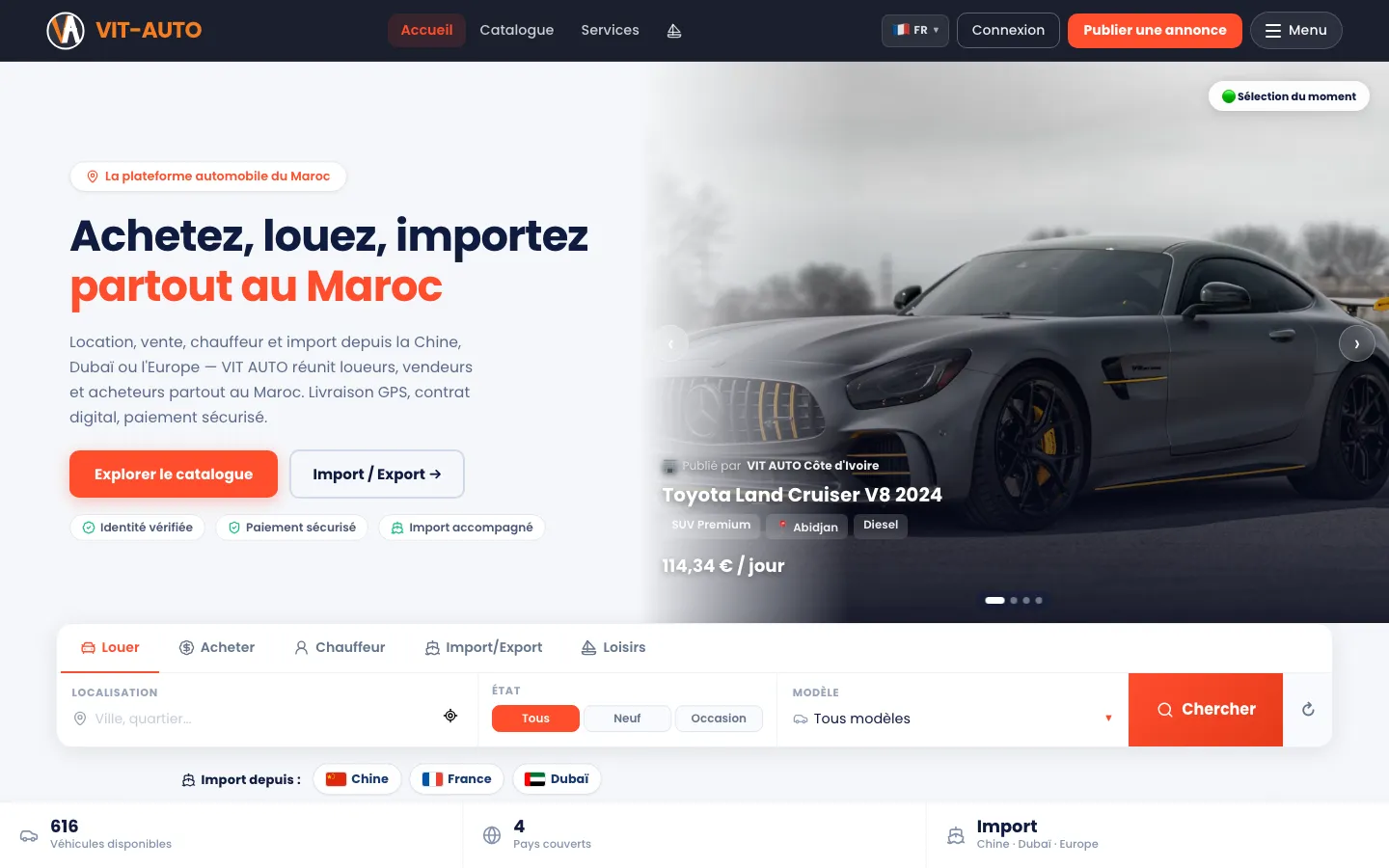
VIT AUTO is a car marketplace: vehicle sales, rentals, chauffeurs and import/export, on the web and as a mobile app. It is live at vit-auto.com. The front end is React (Vite), the API Node.js / Express with MongoDB, and background jobs run on Redis and BullMQ. The same React codebase ships as an iOS and Android app through Capacitor.
The project keeps a dated changelog. Here are its most useful lessons, with numbers.
1. Only send what the screen shows
Lists (catalog, favorites, a partner's listings, bookings) used to return every full-resolution photo for each vehicle. They now return a single compressed thumbnail, generated at publication; full photos are only served on the vehicle page. Listings published before the change were backfilled by a script.
Measured on a 20-vehicle page: 7.2 MB → 455 KB.
2. A lighter first load
The UI code was split into chunks loaded on demand (Vite chunking), with HTTP compression on the server: the JavaScript needed to open the site went from 273 KB to 138 KB (compressed). On the database side, compound indexes and plain-object reads (.lean()) cut the cost of the most frequent queries.
3. Nothing secondary should block a request
Emails, PDF generation (contracts, invoices) and notifications go through BullMQ queues, with retries and exponential backoff. A booking succeeds even if the email fails; the email will be retried.
The queue itself is protected: Redis is hosted on Upstash, and a circuit breaker handles the service's quota overruns, an incident that already happened in production.
4. An empty catalog is not an image bug
One day, a report: "no images are showing". Yet every image responded correctly. The real issue: the catalog was filtered by the visitor's country, and most listings were in Morocco. A visitor from another country saw an empty page. The fix: a fallback to the international catalog when the visitor's country has no listings yet.
The lesson: check what the user actually sees before fixing what they describe.
5. Test in a real browser, on real screens
An automated audit loads the public pages in a real browser at several screen widths (phones, tablet, desktop) and checks for broken images, JavaScript errors, overflow, touch targets under 44 px and text that is too small.
The tool itself got it wrong once, which is instructive: a homepage block overflowed by 790 px on iPhone without being flagged, because it was hidden by overflow: hidden. Nothing scrolled, but the content was cut off. The audit now compares each element's actual position with the screen width.
6. Building a mobile app without a fully equipped Mac
The development machine had neither a full Xcode nor Android Studio. Test builds are therefore compiled in continuous integration (GitHub Actions), on machines that have those tools: an Android APK and an iOS simulator build, on every change.
Takeaways
- Measure before optimizing: 7.2 MB → 455 KB came from a measurement, not a hunch.
- Anything not essential to the response goes into a queue.
- Test in a real browser, and test your testing tools.